 Home All FAQs
Once you’ve found the image you would like to download, choose the desired size and file type from the menu at the top, right-hand side of the window. (Most resources offer jpg, tif and png file types.)
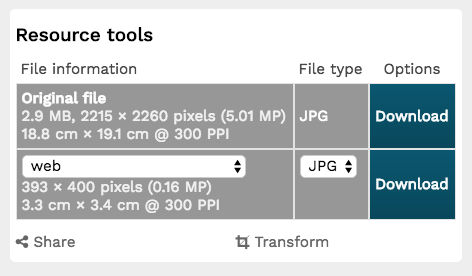
Click on the Download button.
Next, you will be presented with a Terms and Conditions page.
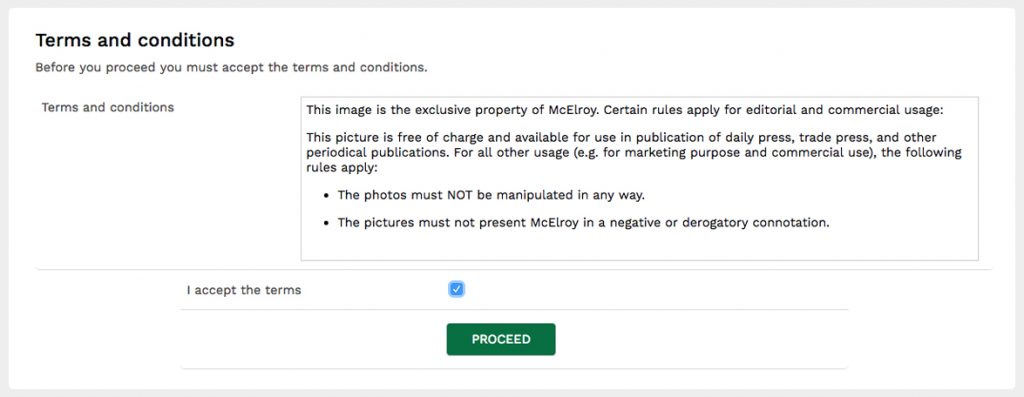
Once you agree with the usage terms and click the Proceed button, your download should begin automatically.
Need more help? Contact the .