 Home All FAQs
To share an image or document from the McElroy Resources site, simply choose the resource you would like.
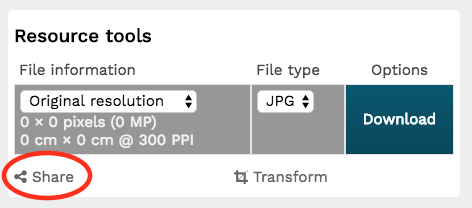
In the Resource Tools box at the top right-hand corner of the page, click on the Share icon near the bottom.
The following screen will generate a URL that you can share.
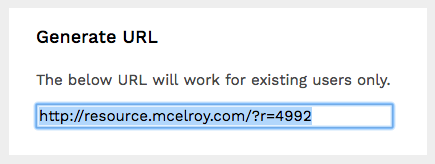
NOTE: the link you share will have the exact same permissions as you do. If a resource is tagged for internal (McElroy) users only, you will not be able to share it outside of the company.
Need more help? Contact the .