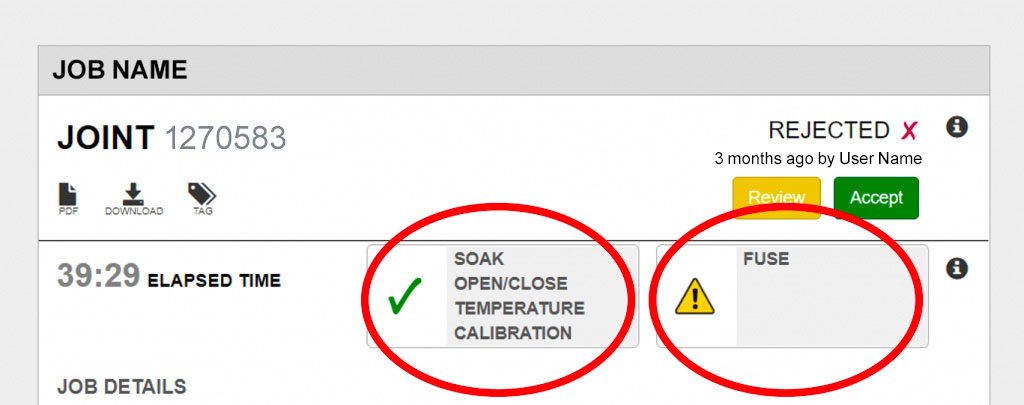
The exception reporting feature gives users a visual tool to quickly analyze and review their joint reports. By reviewing heat soak time and pressure, open/close times, fuse/cool times and pressures, and pressure transducer calibration, the Vault automatically flags joints that fall outside of acceptable standards for further analysis and follow-up.
OVERVIEW
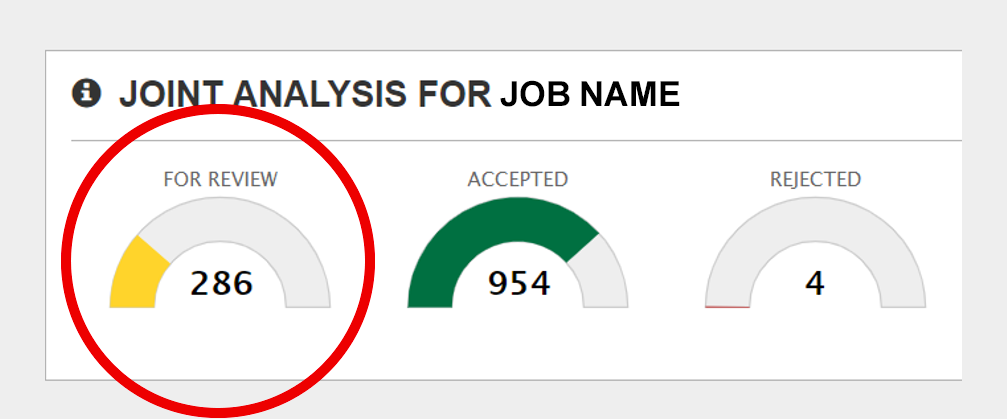
On each Job Record page, a Joint Analysis dashboard displays joints that are acceptable, rejected, or are in need of Review.
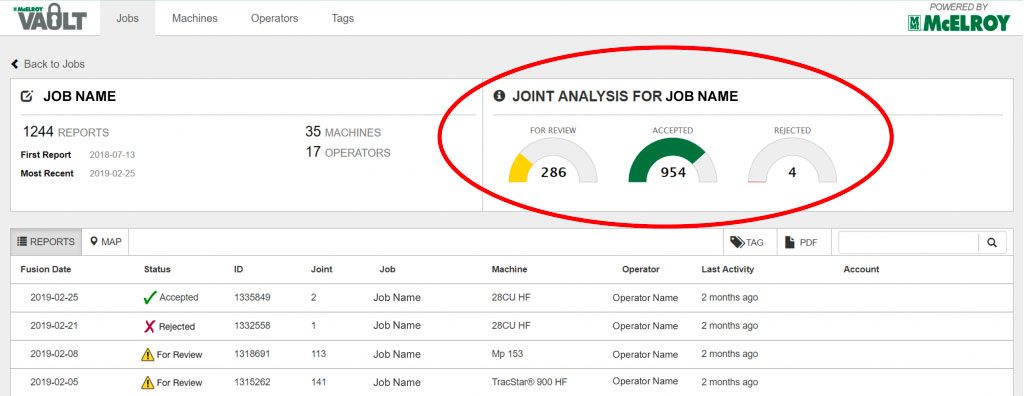
Fusion joints that fall outside of the algorithm will automatically be flagged as “For Review.”
The Vault algorithm will never reject a record. That is always the Vault user’s decision.
Analyzing the joint report
Joint Details
The Vault algorithm will set the initial status of each fusion joint. By clicking on the fusion joint record, the user can review details of the fusion and the FusionGuide™ graph.
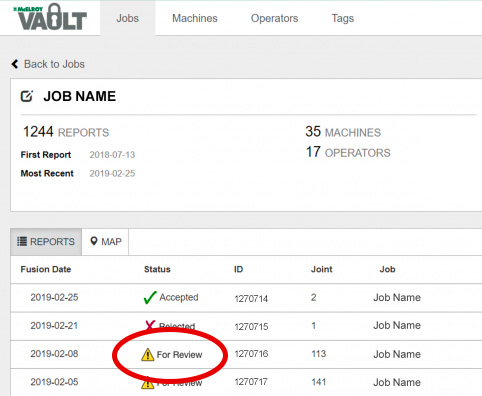
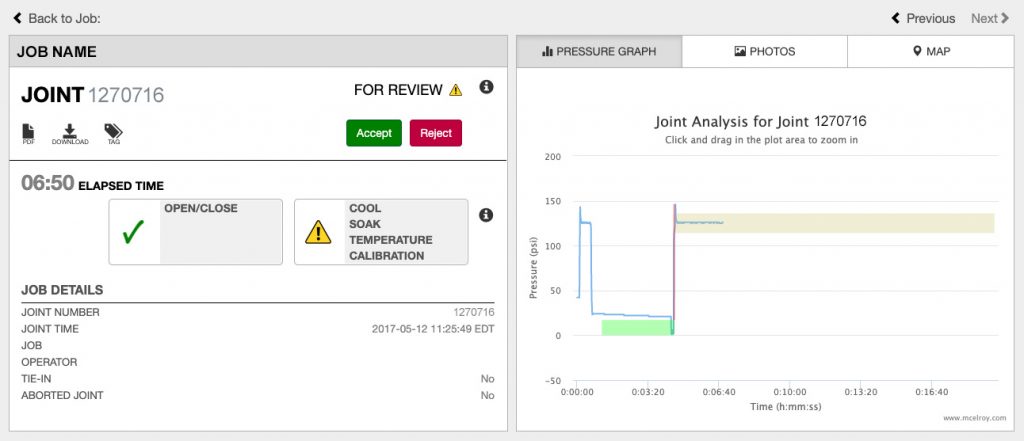
After review, the user may then change the status if they deem appropriate. The Vault notes username and date of the last status change.
Tiles
Helpful tiles indicate key elements of the fusion process that comply with the fusion standard and those which may fall outside the parameters.
If any elements are non-conforming with the fusion standard, they will be listed in the Review tile, indicated with the caution symbol and may need further analysis.