In some circumstances, there can be a small increase in pressure above drag after the initial bead up at the beginning of the heat soak cycle. This can be seen on the DataLogger® graph and is due to thermal expansion of the pipe during heating. During the bead up cycle, the initial bead that is formed comes from the material that is melted and squeezed out of the contact area between the pipe ends and …
Vault FAQs
This category is for DataLogger and Vault FAQs to import into the public site.
Enabling Trainer Mode on the DataLogger® 7
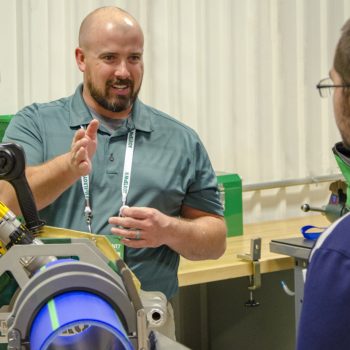
Trainer Mode is one of the latest functions added to the DataLogger® 7. With Trainer Mode, users can simulate fusions conducted with the DataLogger tablet, without the need for a fusion machine. This allows new or inexperienced operators to familiarize themselves with both the fusion process and the DataLogger itself. Trainer Mode also includes an option to streamline the training process by shortening the amount of time needed for simulated heat soak and fuse/cool times. …
Add the DataLogger® Tracking Notification in the Vault™

McElroy’s DataLogger® now includes the option to enable tracking notifications through the Vault™. Tracking notifications allow DataLogger owners to know the location of their DataLogger if the tablet is lost or stolen. To enable tracking notifications: 1. Log in to the Vault using your username and password. 2. From your account home page, navigate to the drop-down menu below your name and click on “Notifications”. 3. This page will list all of the notifications created …
Share joint reports and jobs with Vault™ Connections

One of the latest additions to McElroy’s Vault™ capabilities is Vault Connections, which allow users to share joint reports and jobs with others. To get started, you’ll need the Vault username of the person you would like to add as a connection. The following steps will walk you through the process of adding a Vault Connection: Below is a short video that shows how to navigate the Connection interfaces, including adding a Connection, viewing existing …