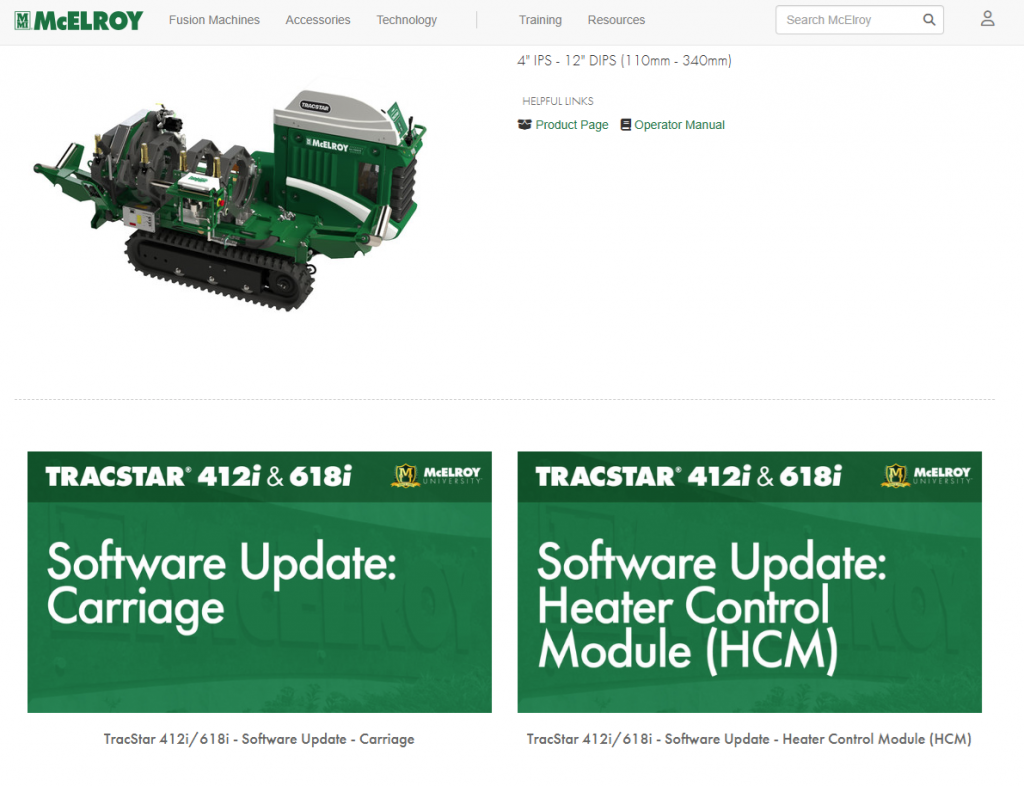
If you haven’t recently checked our Public Help Portal, be sure to take another look. Brand new resources have been added to the Help Portal library – and even more are on the way.
The Public Help Portal provides videos to help users familiarize themselves with McElroy fusion machines, educational resources, and more in one common location. This portal unifies all of McElroy’s condensed training into one place, making it easier for both channel partners and end users to find the content they need.
The following McElroy University material is now available:
TracStar® 412i and TracStar® 618i
- Software Update – Carriage
- Software Update – Heater Control Module (HCM)
- Starting/Stopping the Machine using the DataLogger®
- Silencing the Alarm using the DataLogger®
DataLogger®
How to use the Public Help Portal
Not sure how to get started with the Public Help Portal? Here are some step-by-step tips to help.
FIRST, identify your machine* in the search bar below the page header.
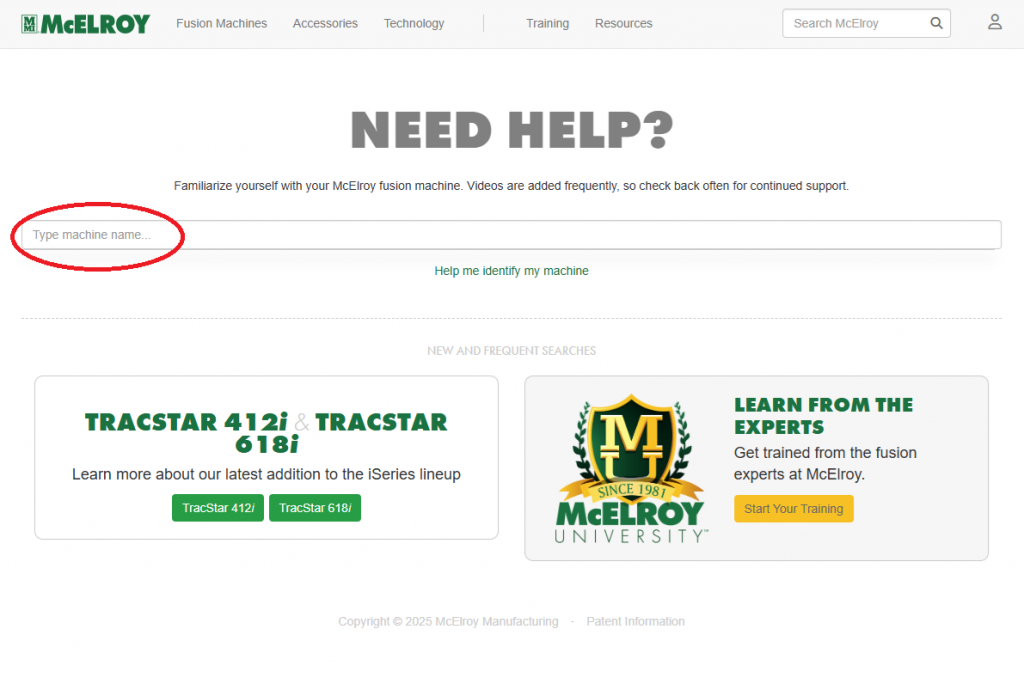
*Not sure which machine you’re working with? Click “Help me identify my machine” below the search bar to learn how to identify your fusion equipment using its serial plate.
Once you’ve chosen the machine you are using, you will be taken to a page that links you to the machine’s product page, operator manual, and videos that answer frequently asked questions about the machine itself.