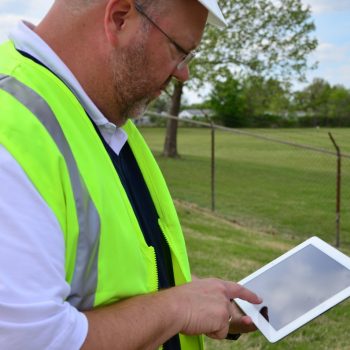
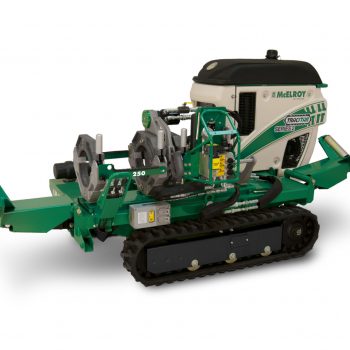
The need for better record keeping and increased accountability continues to grow among those who build and manage pipeline infrastructures. The DataLogger® meets these requirements by capturing the most important information related to fusion operations. Now this trusted tool has added the capability to log electrofusion joints!
The DataLogger® was originally designed to capture fusion information for hydraulic machines. However, we now can capture both manual and electrofusion joints as well; adding to our capability to capture a complete picture of all the joints on a pipeline.

The procedure to log an Electrofusion joint varies slightly from a typical joint performed on a hydraulic machine. When an operator selects an Electrofusion Processor from the machine list, the DataLogger’s Guided Workflow will automatically adjust to the electrofusion process. Electrofusion specific checklists will now be optional based on the user preference configuration in Settings.
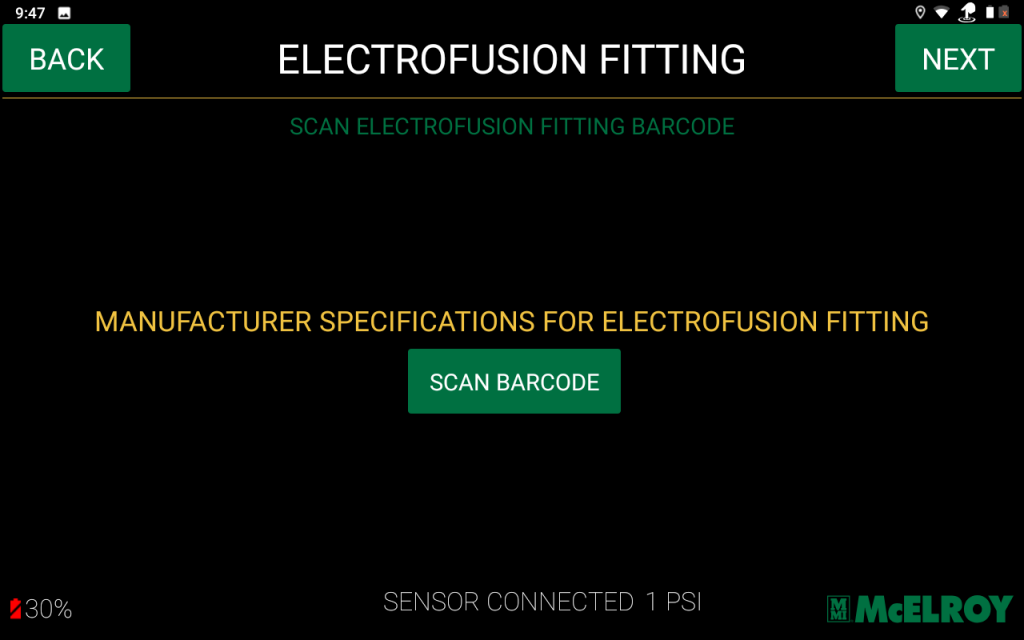
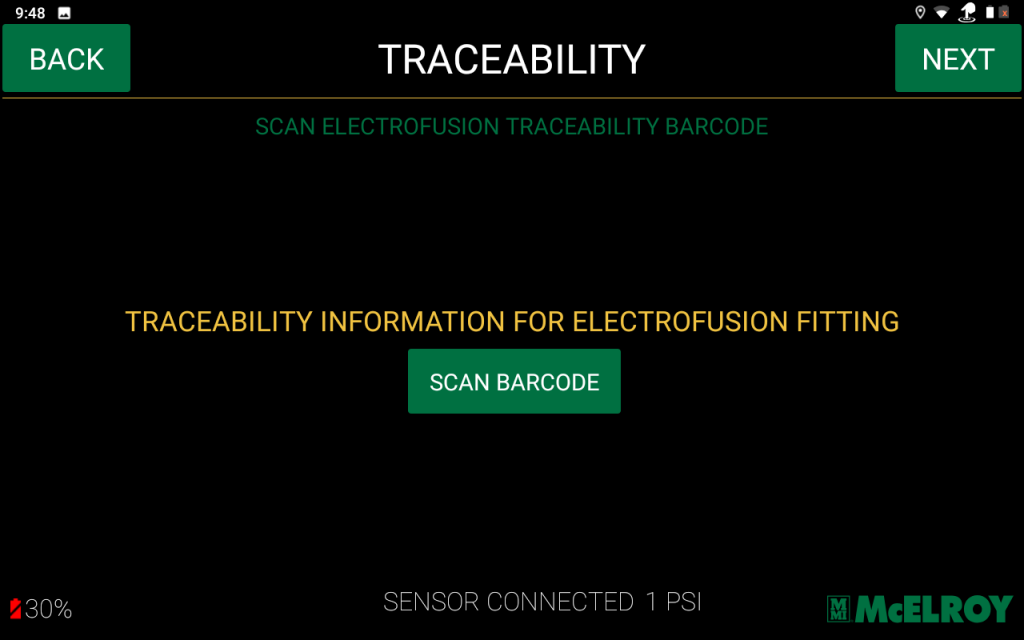
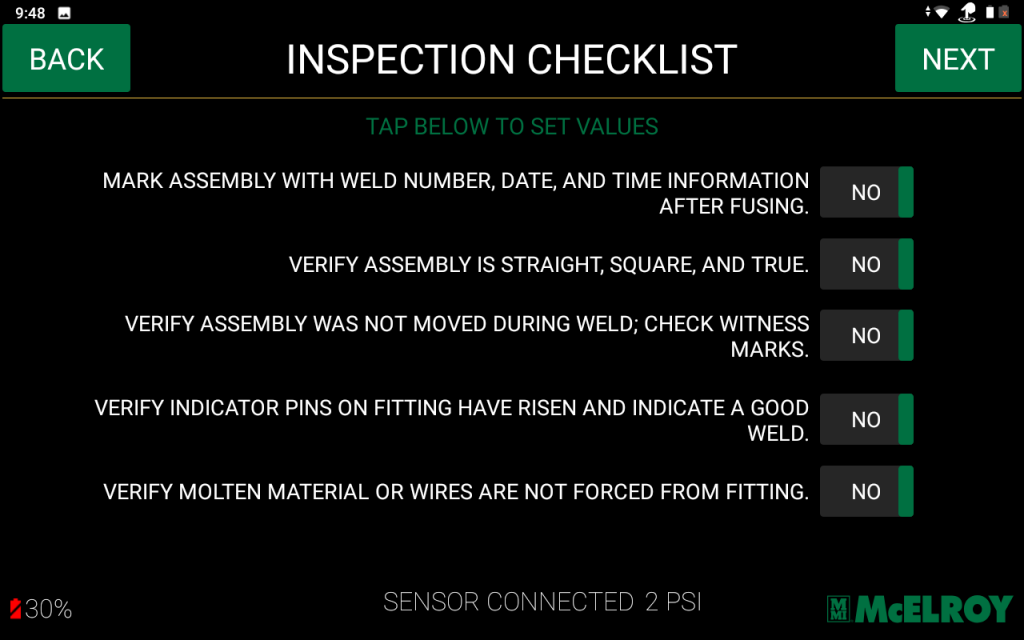
The most important part of the process involves scanning the two electrofusion barcodes into the DataLogger. One barcode defines various electrofusion technical parameters, such as voltage, heating and cooling, and times. The other barcode includes manufacturing traceability information. If an operator’s settings are pre-configured to view checklists, the Inspection Checklist will be the final screen to review. Key items on this checklist include verifying the assembly is straight, square, and true, and that it was not moved during the weld. The operator will also have to verify there are no wires or molten material forced from the fitting.
Electrofusion is a popular application for civil infrastructure, mining, and plumbing projects, and the DataLogger can take the integrity of these fusion joints to the next level. All DataLogger users will be prompted to update their device to download the latest software version that includes Electrofusion. To learn more about the features of this accessory, click here.