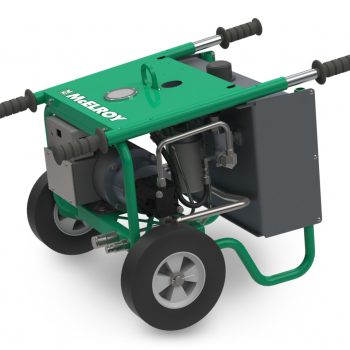
Owners and operators already know that the TracStar® iSeries line is the rugged and reliable solution for plastic pipe fusion. But what exactly is the FusionGuide™ Control System that you see when you begin working with the machine? What level should you be using? And what functions still need to be done manually regardless of the level?
Don’t worry – we’ve got you covered. Keep reading to learn more about the different levels of control and how they can help you and other operators be efficient, consistent, and accurate when fusing in the field.
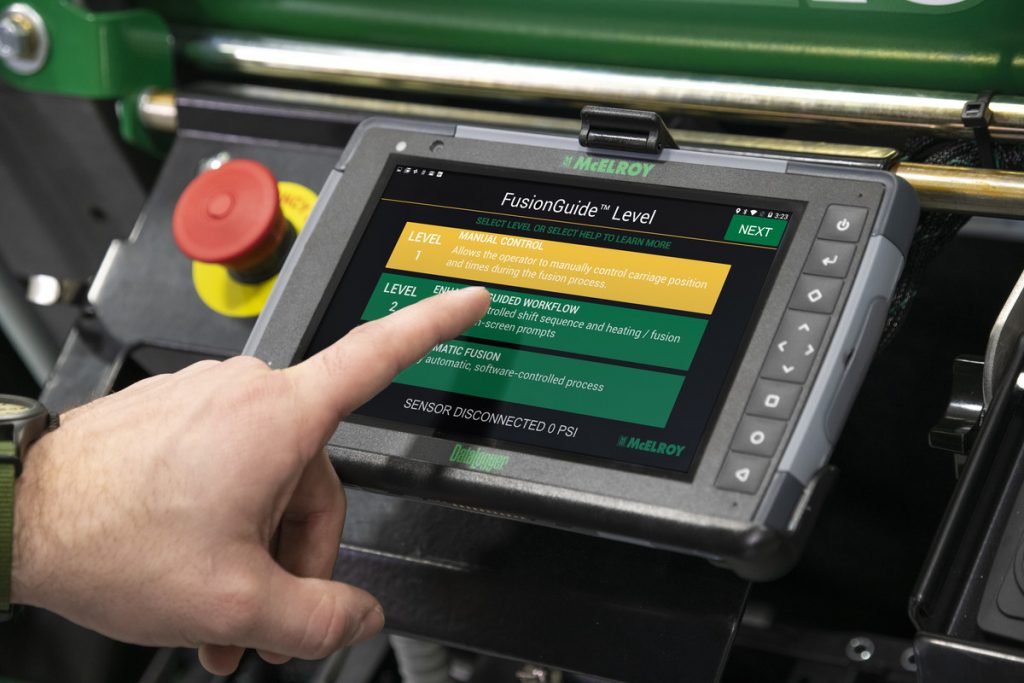
McElroy’s FusionGuide Control System is an integrated software on the DataLogger® 7, McElroy’s ruggedized tablet. The software is designed to guide users through every step of the fusion process, whether they’d like to perform a completely manual fusion or have the machine automatically complete all fusion functions.
Once the operator prepares the pipe and enters joint details into the DataLogger, the FusionGuide Control System manages pressures and walks the operator through the fusion process to ensure consistency and that the joint adheres to industry standards.
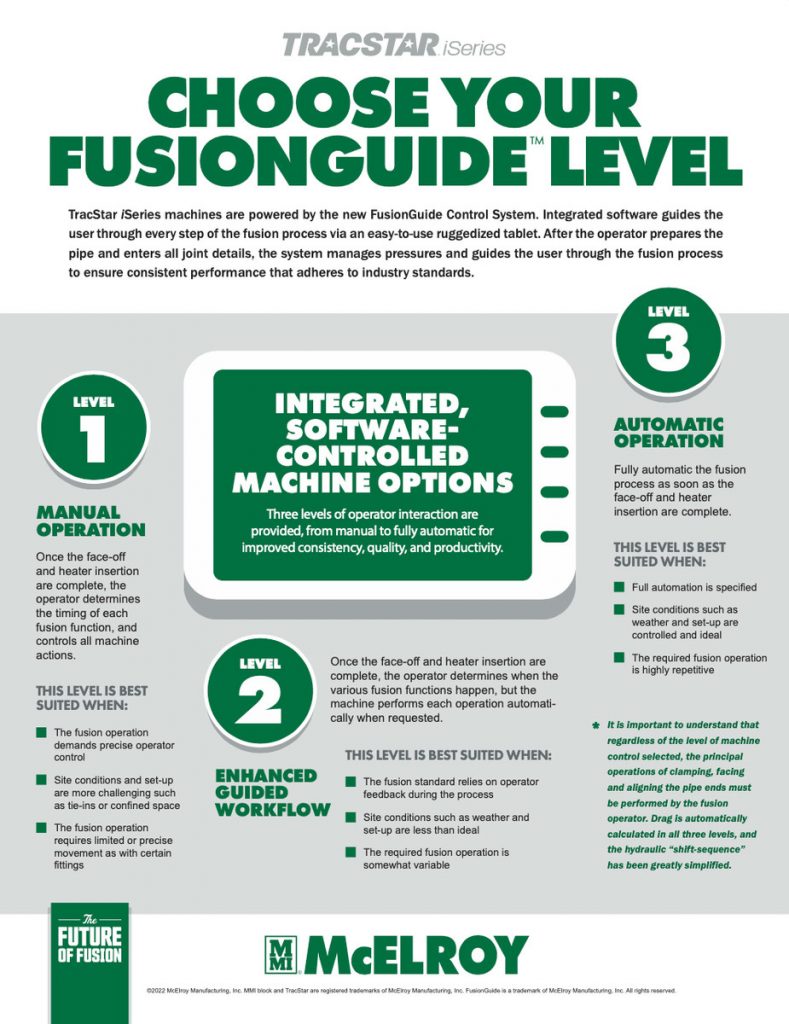
It’s important to note that regardless of the level of machine control selected, the principal operations of Clamping, Facing, and Aligning the pipe ends must be performed by the operator. Drag is automatically calculated in all three levels, and the hydraulic shift sequence has been greatly simplified.
With the FusionGuide Control System, operators have three levels of control to choose from.
Level 1 is manual operation, putting the operator in full control. Once the face-off and heater insertion are complete, the operator determines the timing of each fusion function, and controls all machine actions.
This level is best suited when:
- The fusion operation demands precise operator control
- Site conditions and set-up are more challenging such as tie-ins or confined space
- The fusion operation requires limited or precise movement as with certain fittings
Level 2 is Enhanced Guided Workflow. Once the face-off and heater insertion are complete, the operator determines when the various fusion functions happen, but the machine performs each operation automatically when requested.
This level is best suited when:
- The fusion standard relies on operator feedback during the process
- Site conditions such as weather and set-up are less than ideal
- The required fusion operation is somewhat variable
Level 3 fully automates the fusion process as soon as the face-off and heater insertion are complete. This level is best suited when:
- Full automation is specified
- Site conditions such as weather and set-up are controlled and ideal
- The required fusion operation is highly repetitive
Click here to download a PDF version of this guide. For more information about the TracStar iSeries, click here.