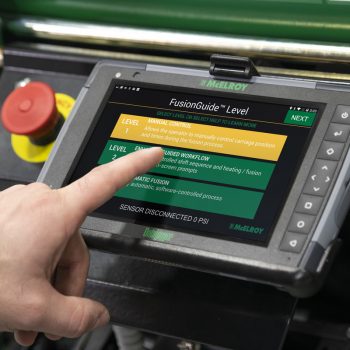
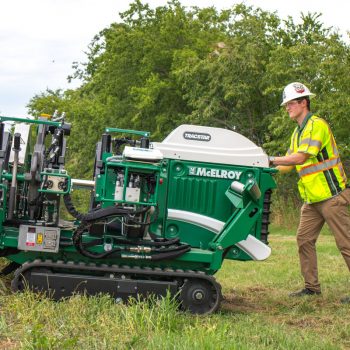
Access learning resources and support for McElroy equipment from anywhere in the world with McElroy’s new Public Help Portal.
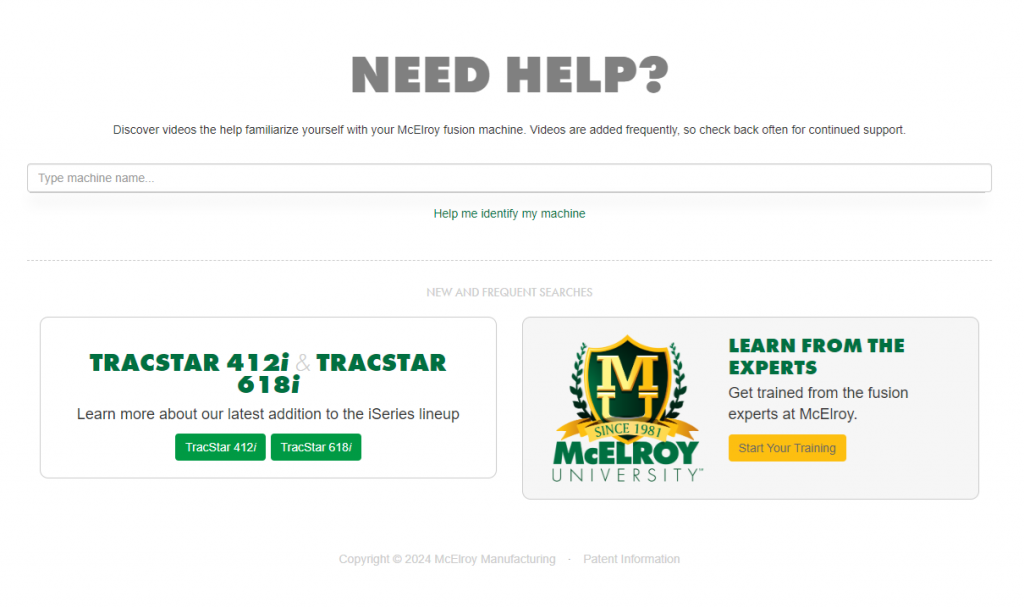
The Public Help Portal provides videos to help users familiarize themselves with McElroy fusion machines, educational resources, and more in one common location. This portal unifies all of McElroy’s condensed training into one place, making it easier for both channel partners and end users to find the content they need.
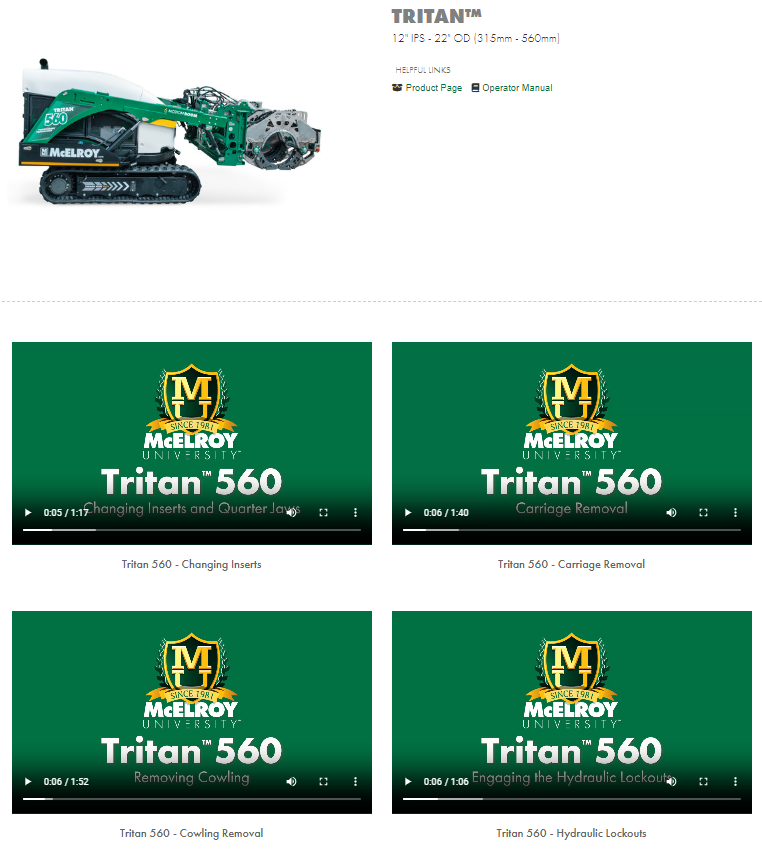
Once you’ve chosen the machine you are using, you will be taken to a page that links you to the machine’s product page, operator manual, and videos that answer frequently asked questions about the machine itself.
This content can also be accessed via an internet-connected DataLogger®, allowing machine users to access help resources in real time.
Videos will be added frequently, so be sure to check back often for continued support. In the coming weeks, we plan to expand our Tritan® video library to include a step-by-step guide on updating the machine’s software, heater/facer removal, rolling the carriage, and more.
In the future, the Help Portal will also include a DataLogger Help Guide and also help machine users find relevant training courses through McElroy University.