Share joint reports and jobs with Vault™ Connections

One of the latest additions to McElroy’s Vault™ capabilities is Vault Connections, which allow users to share joint reports and jobs with others. To get started, you’ll need the Vault username of the person you would like to add as a connection. The following steps will walk you through the process of adding a Vault Connection: Below is a short video that shows how to navigate the Connection interfaces, including adding a Connection, viewing existing …

Champions of Fusion entries – March 2024

We’ve gotten some great entries this month for our 2024 Champions of Fusion promotion! Take a look at March entries below. And don’t forget – encourage your operators and fusion technicians to submit their jobsite photos for a chance to win a FREE trip to INFUSION24 in Tulsa! CLICK HERE to submit your project photos!


McElroy is now an authorized Juniper Service Center

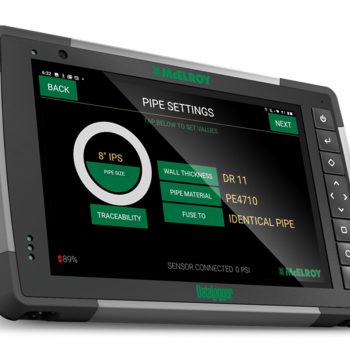
Your DataLogger® is one of the hardest-working pieces of technology on the job. And when it goes down, it’s critical to get it back up and running as quickly as possible. To cut down on repair time, McElroy has taken steps to become an authorized service center for Juniper, the manufacturer of the DataLogger 7 tablet. Effective immediately, all DataLogger repairs will take place in-house by McElroy staff. “McElroy has made a considerable investment in …


Find the right Crimping Tool for your job

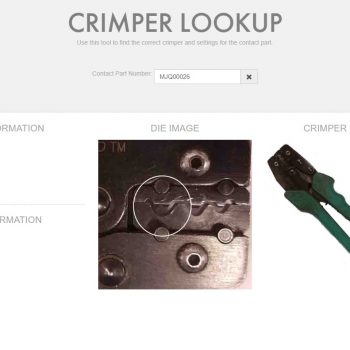
When you’re using a crimper tool, it’s critical to use the correct crimper and settings for the contact part. To help, McElroy offers its easy-to-use Crimper Lookup Tool on the “Resources” tab of our website. To use the tool, simply select your Contact Part Number from the drop-down menu. The locator will then display the terminal description, tool number, die image, and more.